Online Safety -Minecraft
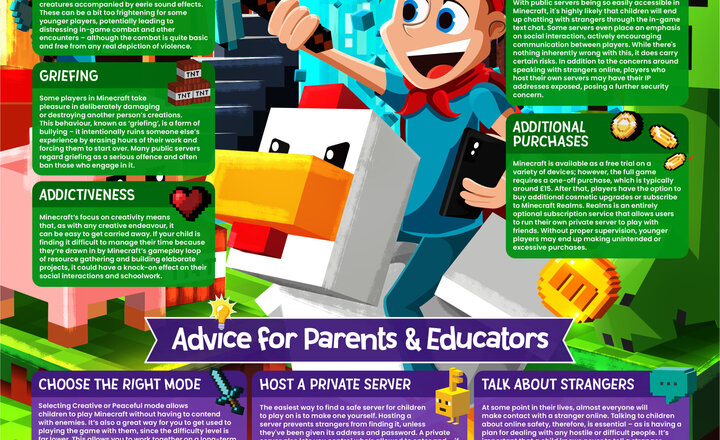
With its limitless opportunities for building, exploring and collaborating, Minecraft remains a global gaming phenomenon. Its broad appeal lies in how open-ended it is – but this also means it’s not without risk. From chatting with strangers on public servers to the grief of having a beloved creation destroyed, young players can face challenges if left unsupervised. Minecraft can also become a time sink for enthusiastic players, with late nights spent crafting and constructing, potentially impacting school and social lives. We’ve created this free guide to help parents and educators understand how to keep young gamers safe – from choosing age-appropriate game modes to setting boundaries around screen time and spending.
.jpg)
Year 6 Pre Sats Webinar
Year 6 recently benefited from an engaging online webinar hosted by Kooth, which provided them with helpful strategies to support their emotional wellbeing in the lead-up to their SATs next week. The session proved to be a valuable experience, offering reassurance and validating their feelings by highlighting that many students share similar experiences.
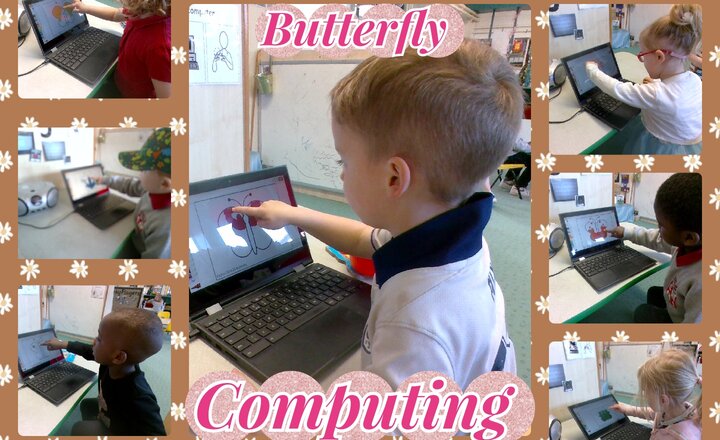
Pre School - Computing - To Paint A Butterfly
In Computing the children painted a butterfly linked to our story The Very Hungry Caterpillar, Using the class chromebook the children sat and designed their butterfly on Purple Mash, selecting which colour they were going to use and then smaking their marks using the touch screen.
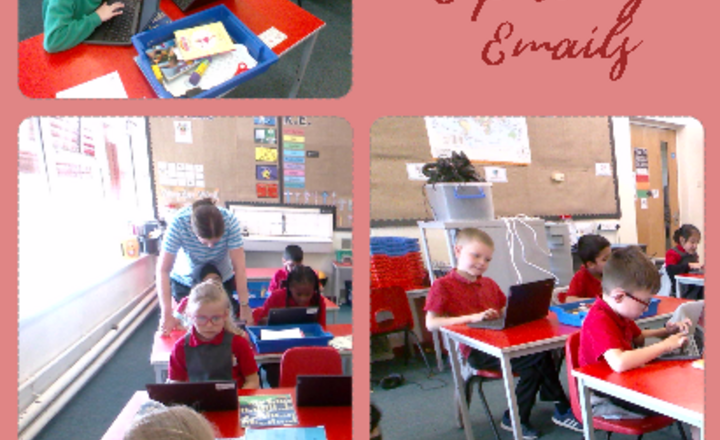
Year 3 Computing - Exploring Emails
In their computing lesson Year 3 have been learning about sending and replying to emails. They talked about sending safe emails and about reporting emails they are unsure of. Mrs Heald sent the children an email which they replied to, answering questions about their favourite colours and films. They then sent their own email to a friend in class.
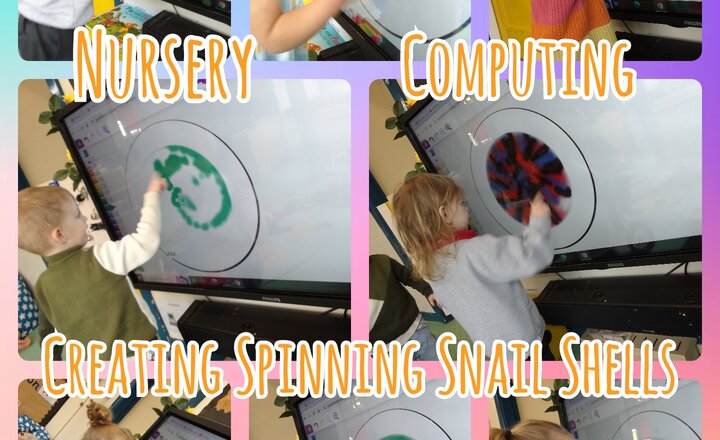
Nursery - Computing - Creating Spinning Snail Shells
The nursery class enthusiastically embraced the opportunity to further develop their digital literacy skills by navigating the draw function on Purple Mash. With focused concentration, the two-year-olds explored the tools and experimented with creating lines and shapes. A clear objective was the creation of a spiraling snail shell, and it was fascinating to observe the diverse approaches children took to achieve this. Some children made deliberate, circular motions, carefully building their spirals from a central point outwards. Others experimented with more free-flowing lines, gradually curving them to suggest the spiral form. Throughout the activity, children demonstrated increasing confidence in using the digital drawing tools, readily clicking and dragging to bring their artistic visions to life. There was a palpable sense of pride and accomplishment as they showcased their finished snail shells, highlighting their growing digital proficiency and creative expression.
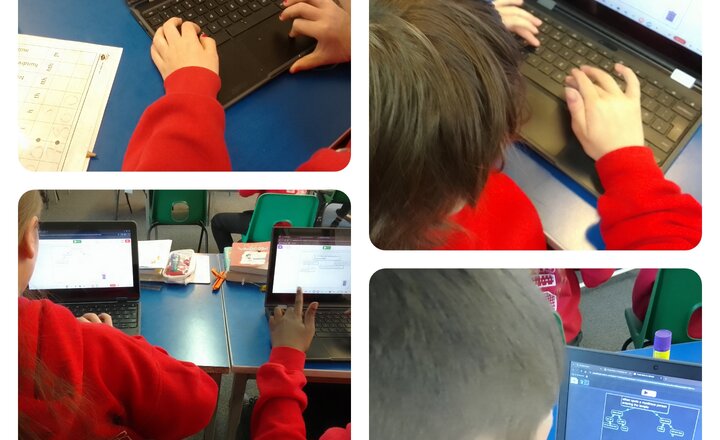
Year 6: Computing
In computing this week year 6 have started planning their 'text adventure' game, that they will create in a few weeks time. They thought about the choices a character would have to make, and the consequences of these choices on game play and the overall story. L.O: To use 2connect to plan a text adventure.
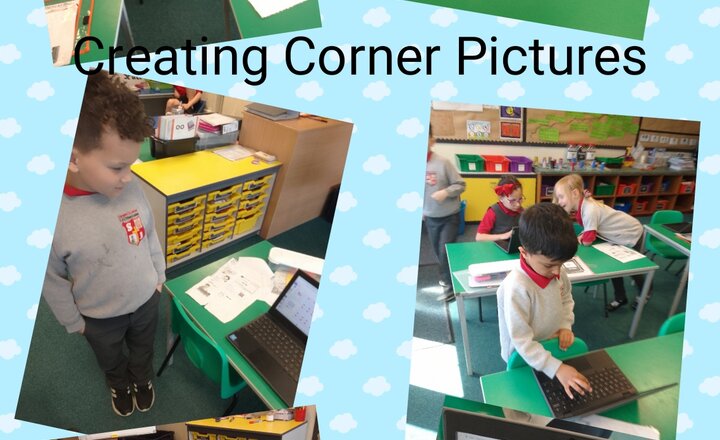
Year 2 - Computing - Creating Corner Pictures
The Year 2 classroom buzzed with focused energy. On their screens, vibrant shapes began to take form as the children embarked on their computing lesson; creating corner pictures. With careful clicks and drags, triangles nestled into squares and circles peeked out from behind rectangles, bringing their imaginative corner scenes to life with the power of the computer.
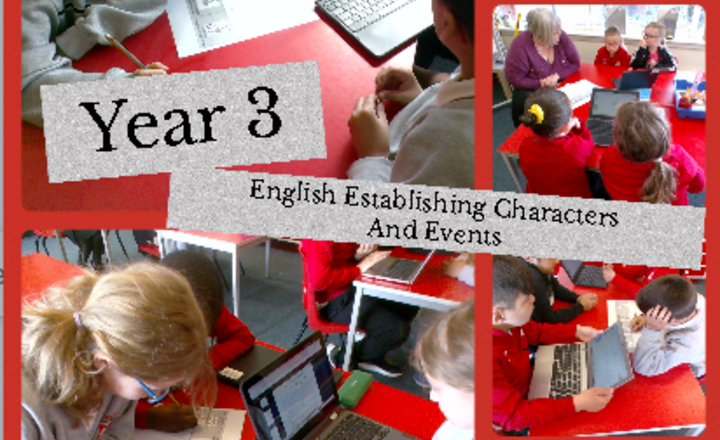
Year 3 English - Establishing Characters And Events From The Book ‘The Magic Faraway Tree.'
The wonderful Year 3 class has been exploring Enid Blyton's enchanting tale, The Magic Faraway Tree. After reading the first chapter, they've successfully identified the main characters and key plot points through thoughtful discussions and insightful questions. Furthermore, they've keenly noted captivating words and phrases that bring the story to life.
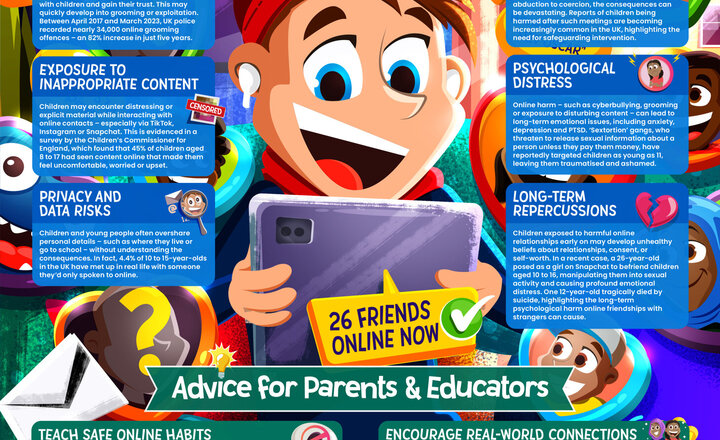
Online Safety - Making Friends Online
As technology becomes increasingly embedded in young people’s lives, it’s common for them to form friendships entirely online. These connections can provide companionship and community — but they also bring potential dangers that parents and educators need to be aware of. From online grooming and privacy breaches to exposure to upsetting content, meeting people on the internet isn’t without risk. This guide explains the possible hazards of online friendships and gives parents and educators essential advice on helping children build safe, positive relationships online.
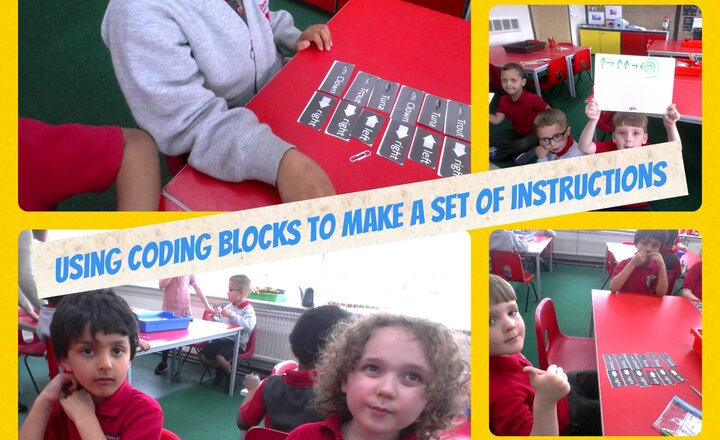
Year 1 Computing - Using Coding Blocks To Make A Set of Instructions
Year 1 began a new unit on Coding to introduce them into the world of programming. They used fish as objects and arrows as actions. They matched the objects with the actions and talked about what would happen.
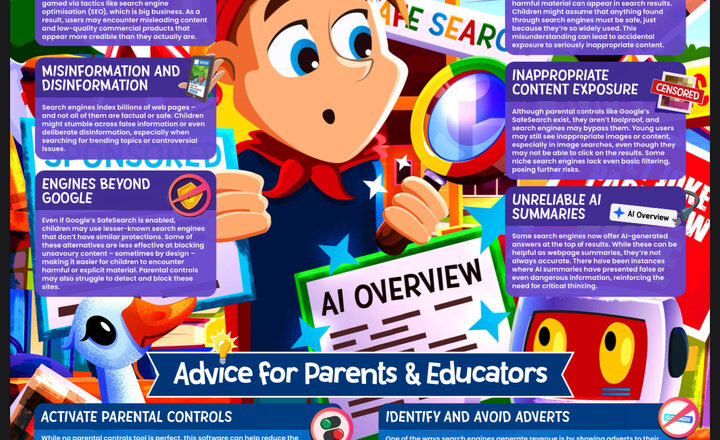
Online Safety - Search Engines
Search engines are a routine part of everyday life, giving instant access to billions of web pages; however, this also increases the risk of children encountering harmful, untrustworthy, or illegal content. We’ve created this free guide – also available in podcast format – offering parents and educators quickfire information about the risks of search engines and practical steps that can be taken to safeguard children online.
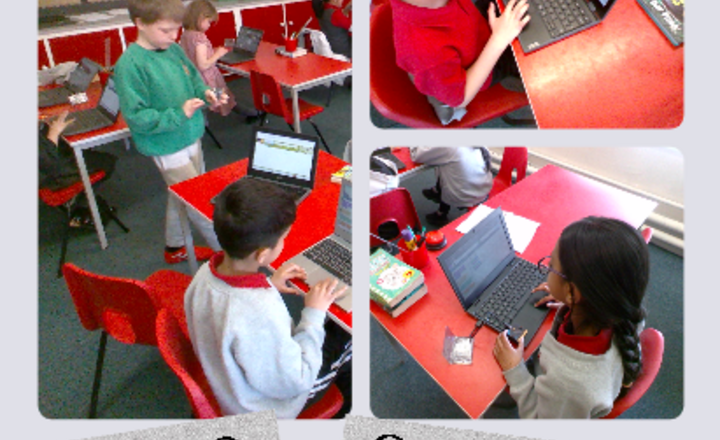
Year 3 Computing -Using The Music Editor to Make Sounds And Music
During their Year 3 Micro:bits lesson, students experimented with the music editor to generate various sounds and musical pieces.
.png)